
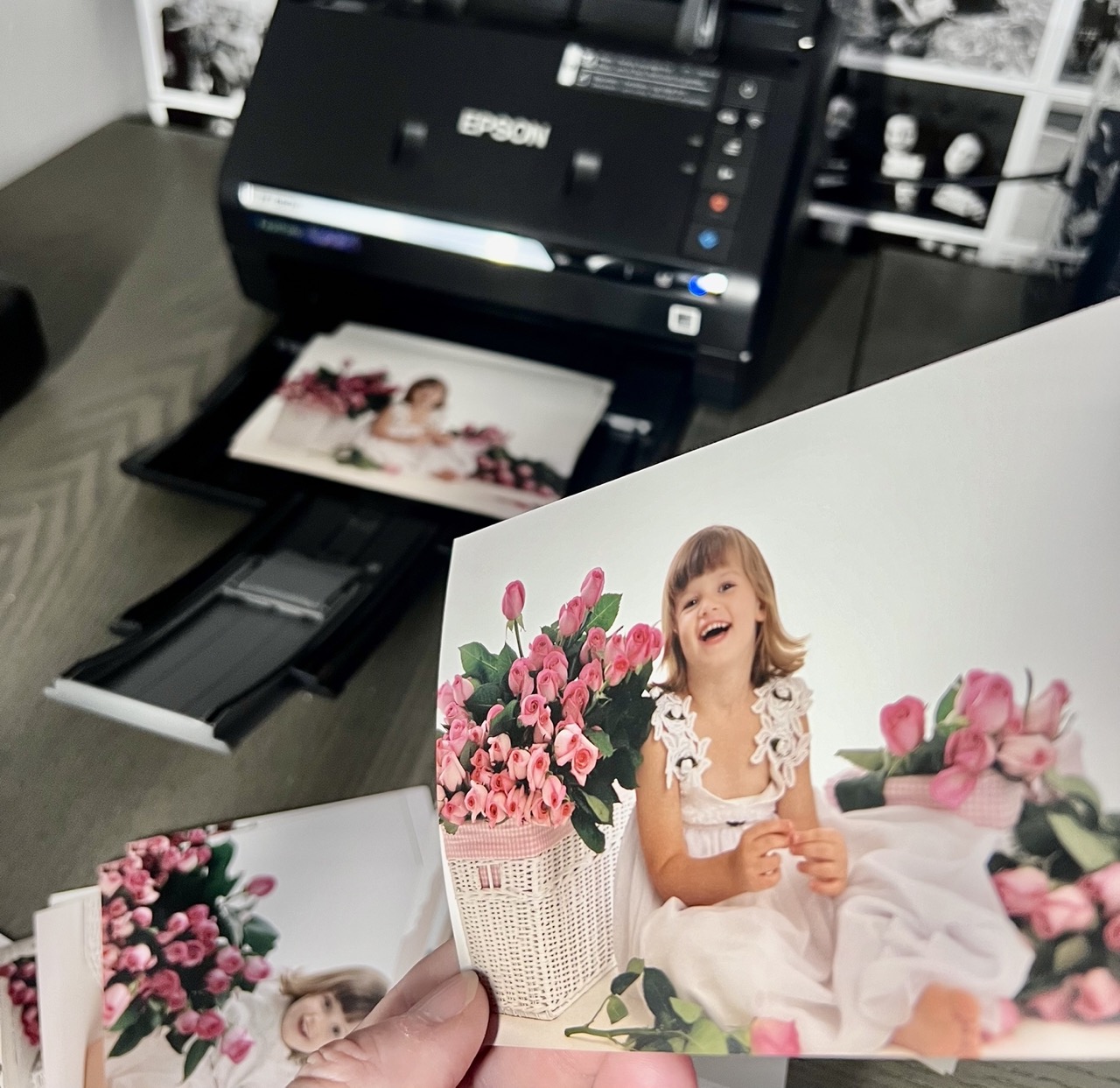
You have old photo albums and boxes full of pictures. You want to get digital copies of them but you don’t know where to start. Don’t worry. I have tested out these two popular photo scanners so you can easily decide which is best for you!
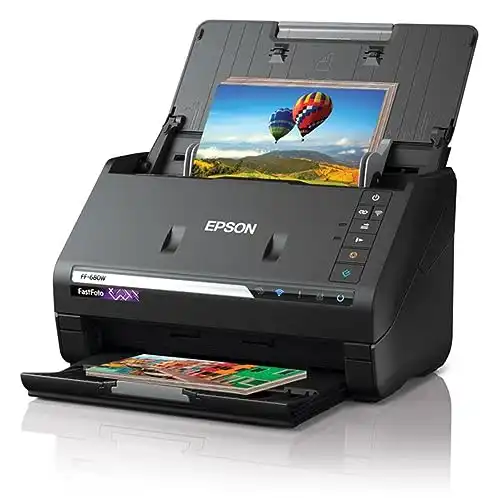
|
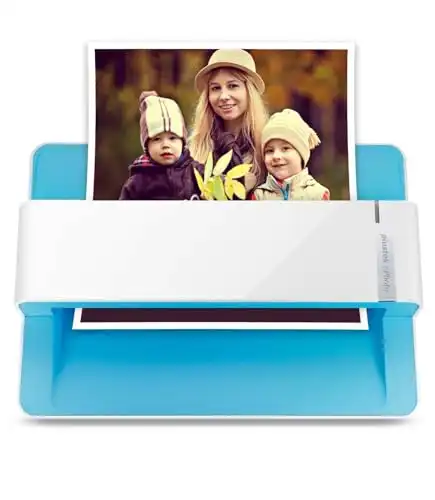
|
|
|
|
|
- Auto feeds 30+ pictures at a time
- Extremely fast scan speed
- Good quality scan
- Auto color correction
- Scans front and back
- Software is easy to use
- Price
- Most affordable feeder scanner
- Sleek design
- Good quality scan
- Faster than a flatbed scanner
- Manual document feeder
Outside of the price, there are few other big differences between these two scanners. You know the old saying, you get what you pay for, well in this case here is what you pay extra for with the Epson FastFoto:
- Speed. The Epson FastFoto is very fast. In addition to the super fast scanning speed, the fact that you can put stacks into the feeder and then check your email or text a friend for a minute makes it a huge winner for time saving.
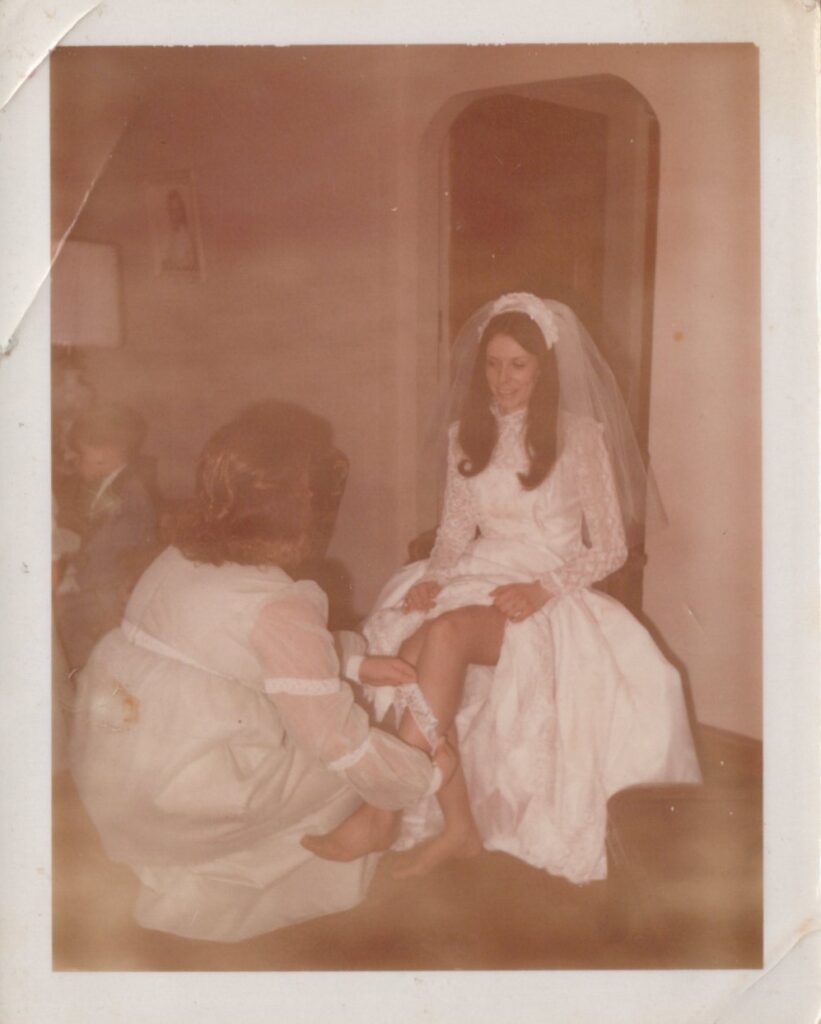
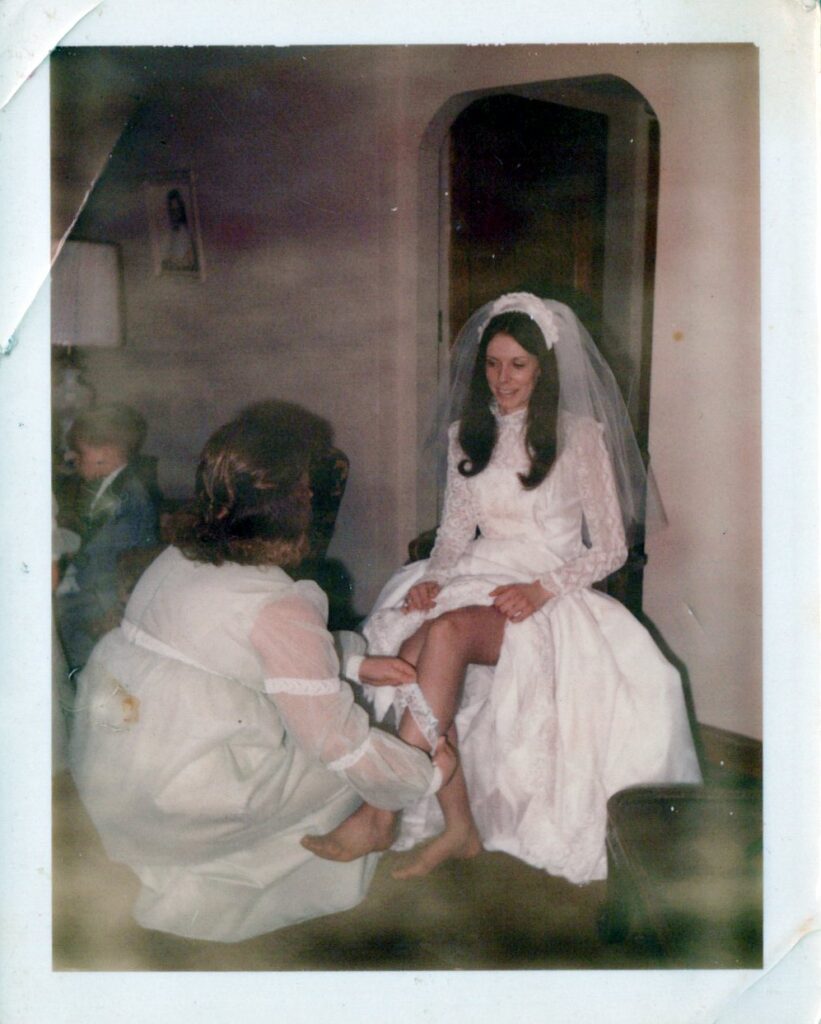
- Color correction. I’m not a newbie when it comes to color correcting a photo but even I was impressed with what the Epson FastFoto did. The auto color correcting function did a fabulous job in my opinion. It gave new life to those faded color photographs from the 60’s and even gave a nice boost to my pictures from the early 2000’s. It saves the photo as the original and the auto corrected version, so you can select which you prefer. I found that the vast majority of the time I was selecting that auto corrected photograph.
- Easy, easy, easy. The Epson FastFoto software is nice and simple. I found it to be the easiest to install and using the scanner is mindless. I am confident even the least tech savvy person would be able successfully use it to get photo organized.
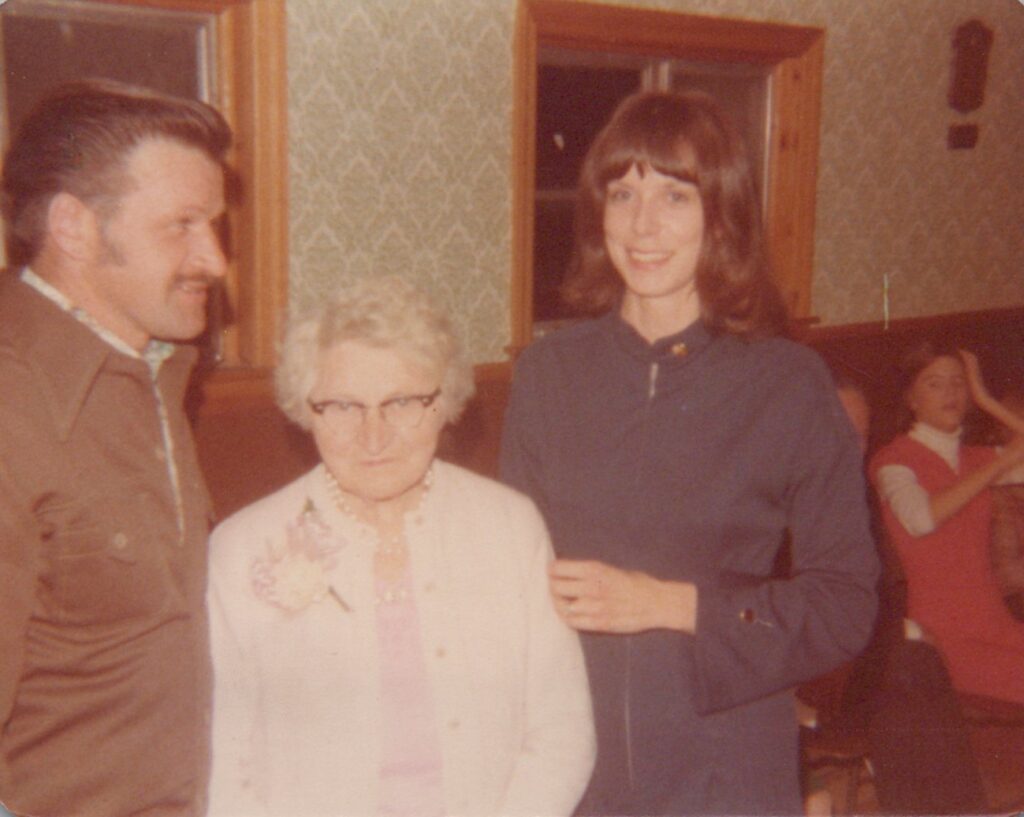
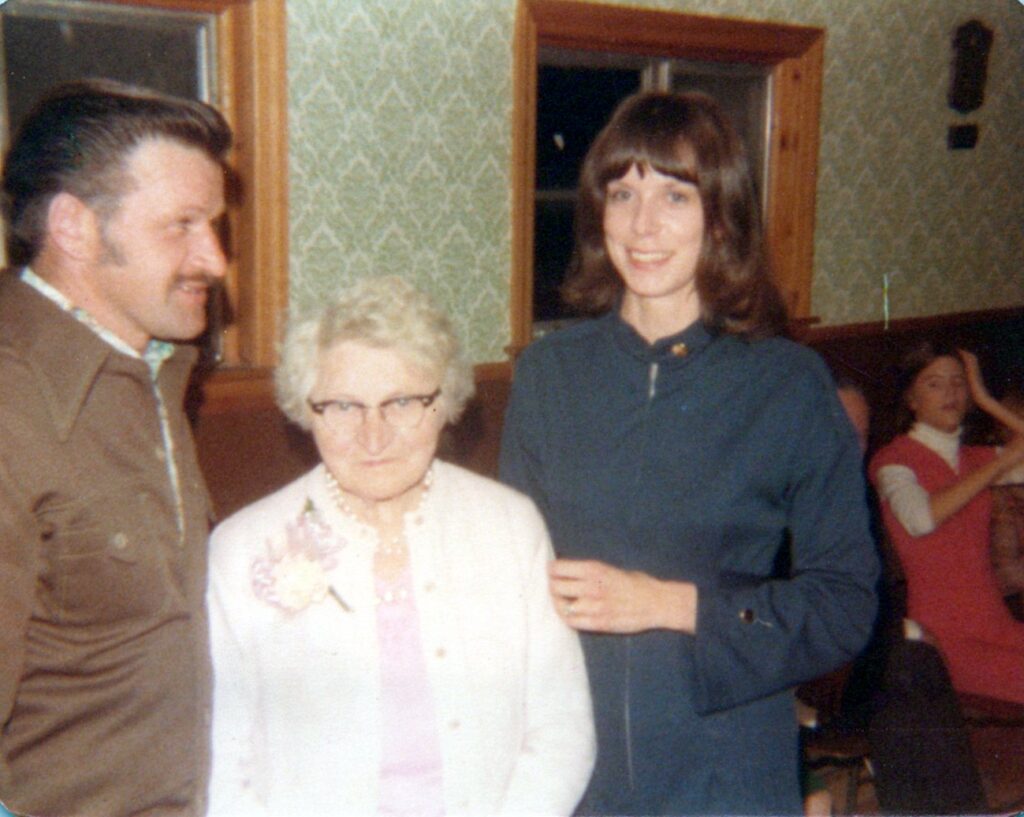
Check out these photographs scanned with the Epson FastFoto. The first photo was scanned very true to the print, the second was after the auto color correction was applied. The top photo was a print from 2003. The others were from 1970. You can see how even in the more recent photograph that auto correction gives it a more vivid appearance.


If you want to hear even more on these two scanners check out this YouTube video:
And overall it’s important to know both scanners will do a good job of digitizing your old print photographs. If it’s in your budget to splurge for the Epson FastFoto, I think it’s worth the investment. However, if the budget doesn’t allow, the Plustek Photo Scanner will get the job done. And at the end of the day getting those old print photographs scanned and backed up is the most important thing. Any method that gets your pictures safely digitized is a winner in my book!
Need Help Getting Started with your scanner?
If you’ve grabbed a scanner but need more help walking through the process of organizing a lifetime of old family photos, I’ve got you! That is why I created the Save Your Story course. It walks you through exactly how to digitize and protect your photo collection step by step. Whether you’re tech savvy or not, this course is easy to follow. You’ll get videos, guides, and all the tools you need to finally take action.
Even if you’ve been putting this off, I promise it’s not too late, and it’s not too hard.
And if you’re looking for even more help getting the most enjoyment out of your photos, check out the other ways we can connect:
👉 Grab my free Photo Resource Guide – it’s packed with tools, apps, and simple steps to get started.
👉 Check out my book, Beyond the Storm – a powerful blend of true stories and practical advice for safeguarding your photos.
👉 Want to join the photo organizing CRUISE? This fun getaway is set for February 2026 and YOU are invited to join! Check out The Great Photo Voyage and be sure and sign up soon, space is limited!
Or follow along on social media! Check out Instagram and YouTube to get my latest information