
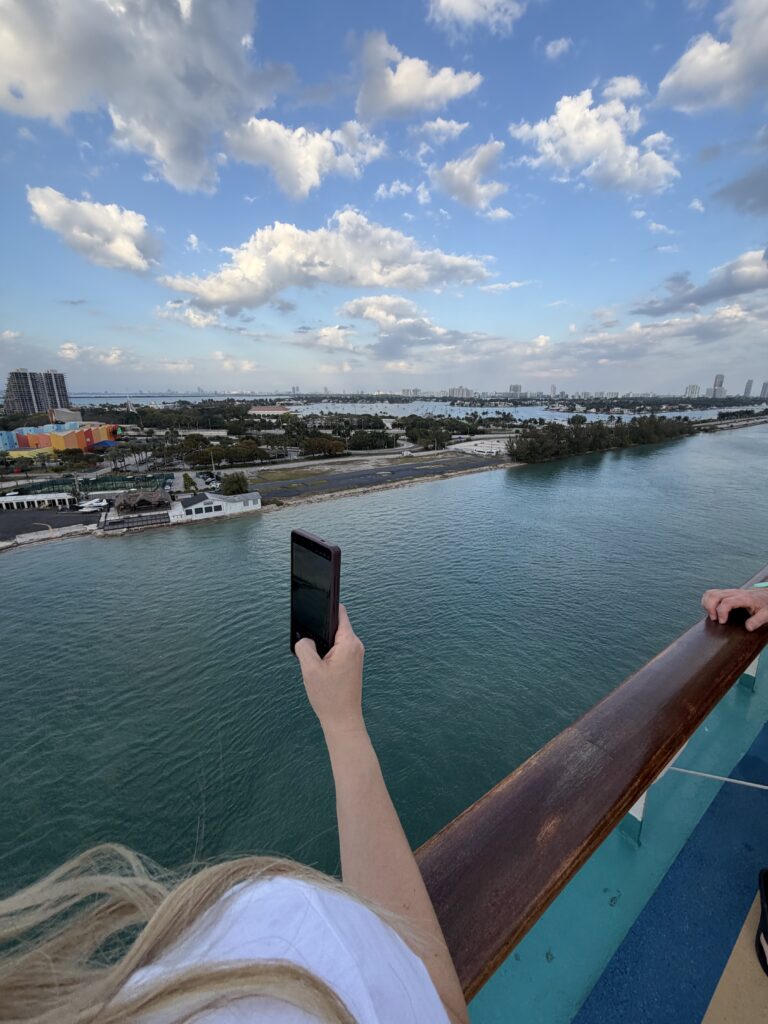
Are you ready to get a handle on that mess of pictures you have on your phone? Here’s the trick! Start small. Let’s work with the pictures you’ve taken this week.
If you go back to the very beginning of time (or your time anyway!), you’re probably looking at an overwhelming number of photographs. That’s when procrastination kicks in. It becomes a project for “someday.”
Instead, let’s start with a few simple organization habits. These are easy things you can do starting today!
But first, let’s talk about how we can do this project together! If you are like me and work better as a team or need a little help getting the years of photos you already have under control, I’ve got you! In January I’m hosting a group cruise along with my photo organizing guru friend, Mollie from Pixologie. This will be a great way to get all of your digital pictures organized, learn easy tools to keep them organized AND enjoy a fun vacation with fellow photo lovers! Check that out at this link or shoot me a message if you want to talk more about this fun photo experience at sea!
8 Steps to Get Phone Photos Organized
ONE
Everyday habit: Before bed, take a quick look at the pictures you took on your phone that day.
Most days, this will only take a minute, but consistency is key. Make it a habit to check your photos every day.
TWO
Tap the heart. Create a “Favorites” list as you go.
Example: Did you take 25 pictures of your dog, four screenshots of recipes, and one of a suspicious freckle on your leg?
Choose one favorite of your pup and leave the rest alone for now.
If it was a special day—a birthday party or vacation—narrow it down to a small group that tells the story of the day:
- One of the person of honor
- One group shot
- A candid moment you love
Keep it to the smallest and very best selection.
THREE
Screenshot cleanup (weekly):
Once a week, open your Photos app and tap on “Albums.”
Scroll down until you see “Screenshots.”
Open that album and delete anything that’s useless or no longer needed.
FOUR
Favorites review (monthly):
Once a month, go back to your “Favorites” album.
From there, select the very best images to print.
I aim for 10–15 prints each month, though sometimes I’ll pick a few extra.
This step is easy because you’ve already been narrowing them down all month!
FIVE
Print your pictures:
I’m all about physical prints! They’re the very best way to truly enjoy your photographs.
When you make it a habit to order prints from a photo lab and add them to an album, it becomes effortless.
Bonus: There are tons of great photo labs to choose from. I have a complete list of photo labs that I have tested out in my FREE PHOTO RESOURCE GUIDE.
SIX
Amazon Photos:
If you’re an Amazon Prime member, download this app immediately! You can back up your pictures to this app for free.
They offer free UNLIMITED photo storage for Amazon Prime members, and it’s completely seamless.
Set it up once, and then have it automatically back up your photos.
You can also order 4×6 prints directly from the app in seconds – even just one photo – and have them delivered to your door!
SEVEN
Album time:
When your prints arrive, it’s quick and easy to put them into an album.
Because you’ve been narrowing things down month by month, this final step is completely stress-free.
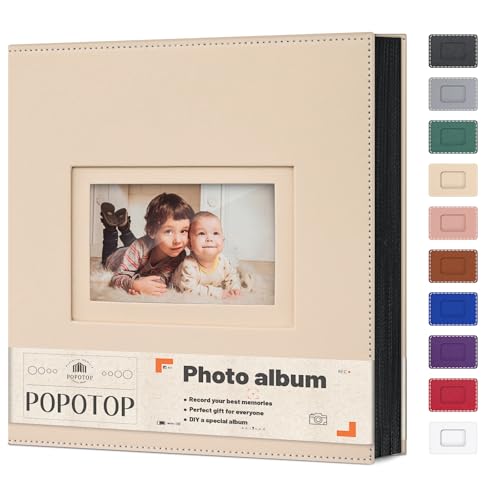
Here’s my favorite album:
- Holds tons of photos
- Special option for vertical images (perfect for phone pics!)
- Available in tons of colors
EIGHT
Secure backups matter!
Now let’s talk about keeping your digital photographs truly safe.
Ideally, you should have your pictures backed up in three separate places. Think of it as your photo insurance policy.
Your phone counts as one location—but keep in mind that iCloud is not a true backup. It’s simply a mirror of what’s on your phone. If something gets deleted on your phone, it disappears from iCloud too. So, it’s important that your photos are also in another location.
Here’s what I recommend instead:
- Amazon Photos, Google Photos, or Dropbox
These services have apps that make automatic backups effortless.
Set them up once, and they’ll run quietly in the background, keeping your pictures safe without you having to think about it. - External hard drive
This is my second must-have.
I keep one connected to my computer and regularly transfer my photos there.
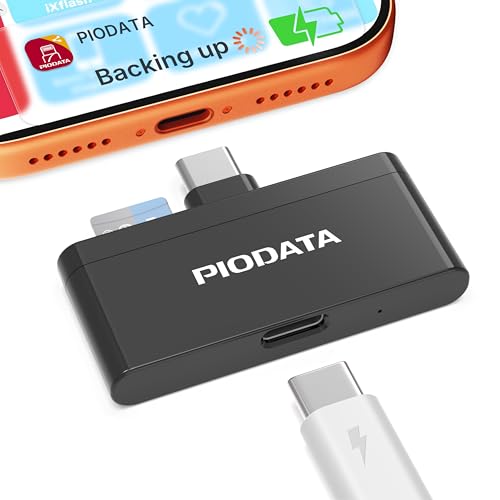
It’s a simple, reliable way to make sure your memories are protected—even if your online accounts fail.
Want a little motivation to get started? Grab tools you need today and make a promise to yourself that you are getting photo organized starting today!



And if you’re looking for even more help getting the most enjoyment out of your photos, check out the other ways we can connect:
👉 Grab my free Photo Resource Guide – it’s packed with tools, apps, and simple steps to get started.
👉 Check out my book, Beyond the Storm – a powerful blend of true stories and practical advice for safeguarding your photos.
👉 Want to join the photo organizing CRUISE? This fun getaway is set for February 2026 and YOU are invited to join! Check out The Great Photo Voyage and be sure and sign up soon, space is limited!
Or follow along on social media! Check out Instagram and YouTube to get my latest information.