
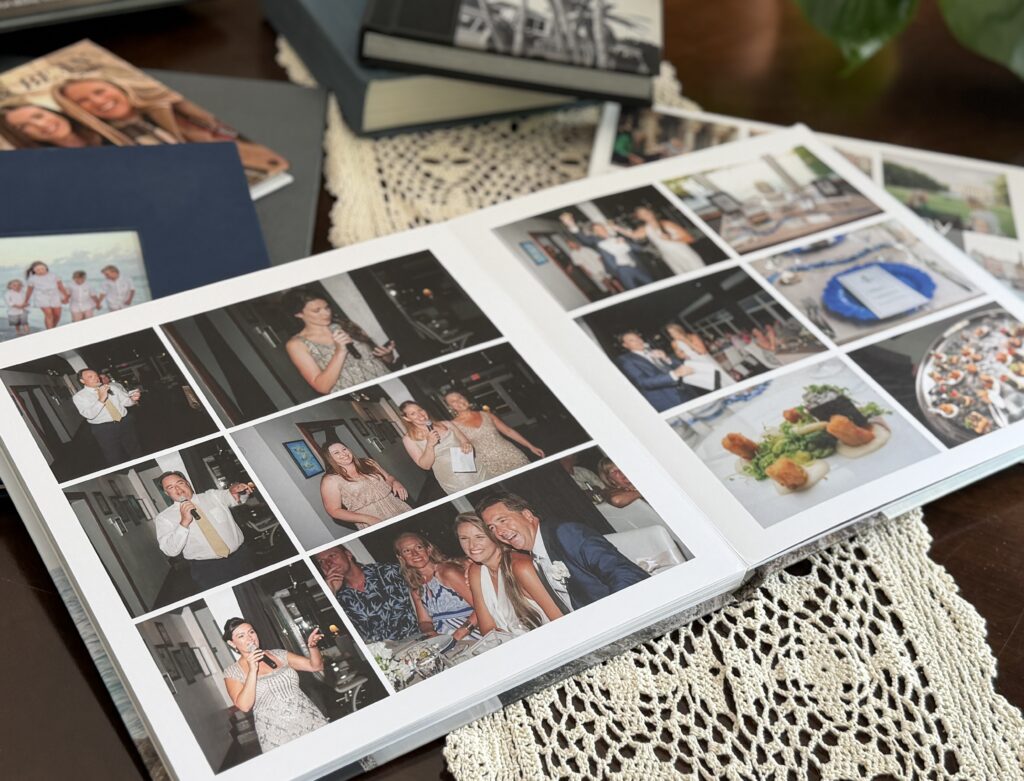
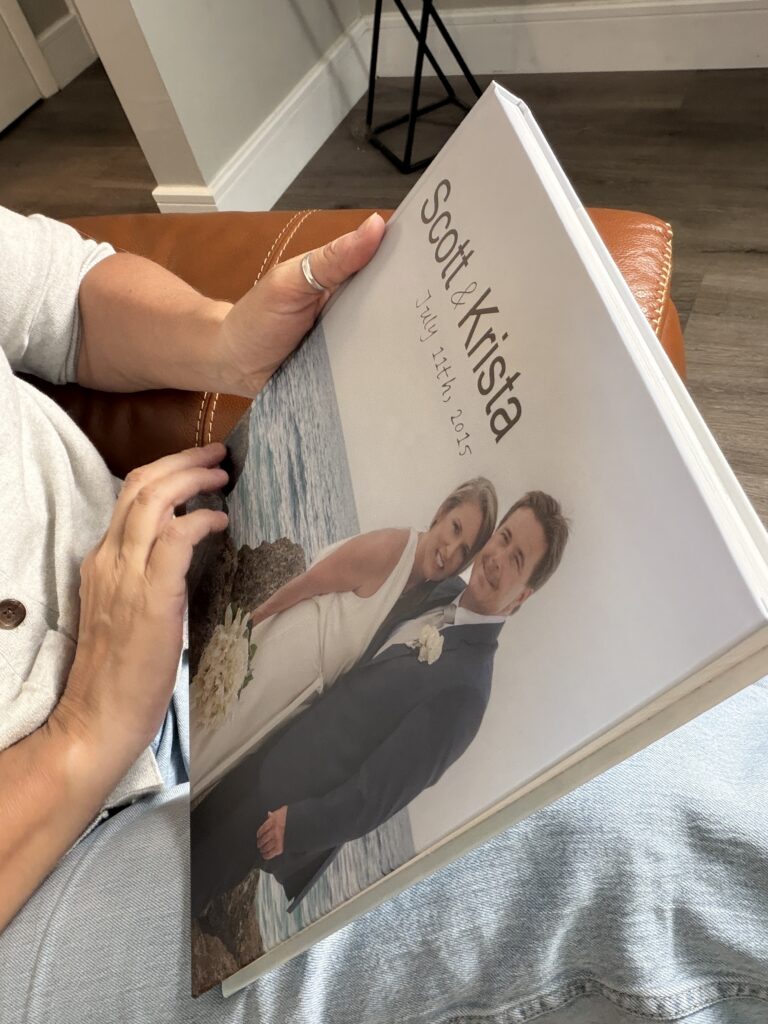
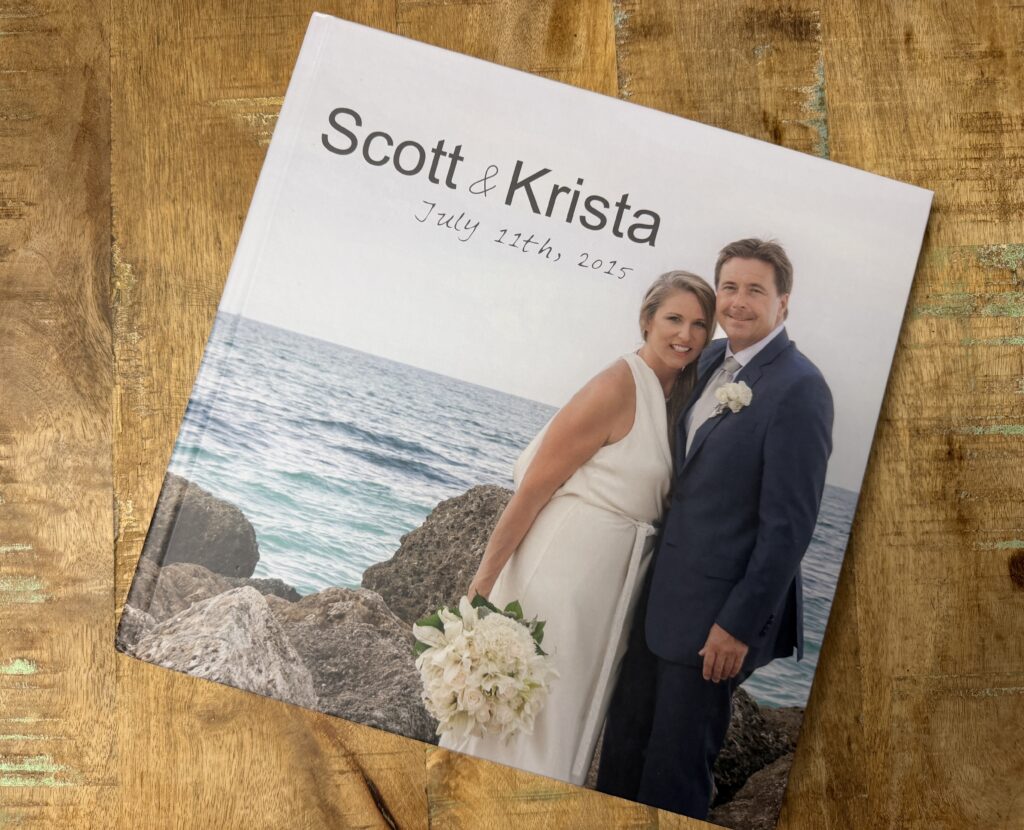
Creating a photo album doesn’t have to feel overwhelming. In fact, it can be one of the most enjoyable ways to relive your favorite memories.
Every month I feature a product that I really love and do a deep dive into how to best use and enjoy that product. This month I’m talking about Picaboo albums. I’ve designed a few of these photo books and I’m really loving them. The quality, ease of design and price are all great. I definitely recommend them, however there are some general tips that I think would helpful to create an album using any company.
After making albums over the years, I’ve found that a few simple habits make the entire process easier and the finished album so much more meaningful. Whether you’re creating a vacation book, documenting your family, or finally doing something with years of photos sitting on your phone, these tips will help.
1. Start Thinking About Your Album While You’re Taking Photos
The best albums actually begin long before you sit down at the computer.
As you’re taking pictures, think like a storyteller. Don’t just photograph people looking at the camera. Capture a variety of images. It’s that combination of photographs that help tell the story later: the restaurant sign, the hotel room, the view from the balcony, the street where you wandered, and the people interacting with each other.
As you are taking the photos also capture a combination of photos that are close up and farther away. Leave some extra space in some so that you can turn a photo into a square image within an album.
Years from now, those are often the photographs that bring everything flooding back.
2. Photograph The Details
It’s easy to focus only on the highlights.
Be sure and capture the details too. The invitation, the decor, the little things within the setting.
Those quieter photographs are what make an album feel complete.
3. Mix Horizontal and Vertical Photos
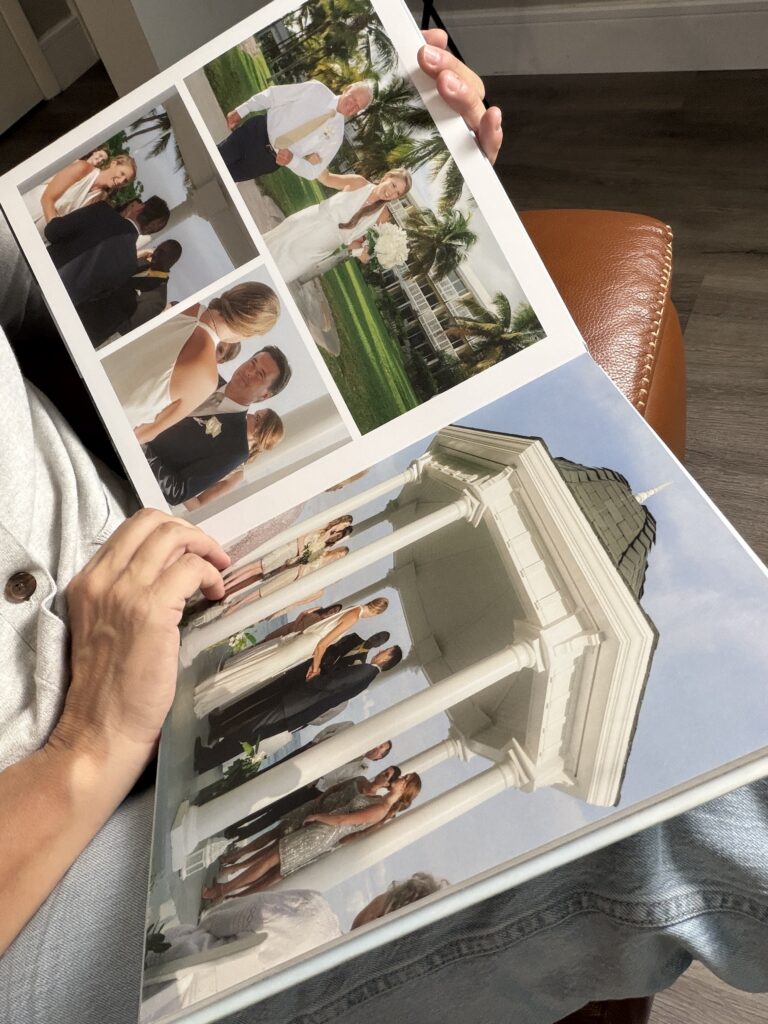
When designing an album, variety makes the pages much more interesting.
Taking both horizontal and vertical photos gives you far more flexibility with page layouts and helps the album feel balanced from beginning to end.
4. Use Your Best Quality Images
An album is something you’ll hopefully enjoy for decades.
Whenever possible, use your highest-resolution photos so they print beautifully. Crisp, detailed images make a tremendous difference once they’re on paper.
5. Organize Your Photos Before You Begin
Before opening your album software, gather every photo you plan to use into a single folder.
Having everything organized first makes the design process much smoother and prevents you from constantly hunting for missing images.
6. Narrow Your Photos Down First
One of the biggest mistakes people make is trying to include everything.
Instead, make several quick passes through your photos.
Keep your absolute favorites first. Then narrow them down again. And one more time.
You’ll end up with an album that’s easier to enjoy because every page contains photographs that truly matter.
7. Let the Layouts Do the Work
One of my favorite things about Picaboo is that you don’t have to design every page from scratch.
Start with their built-in layouts. They’re professionally designed, save a tremendous amount of time, and make it easy to create an album that looks polished, even if you’ve never made one before.
8. Use Google Chrome
If you’re creating your album using Picaboo you need to be using Google Chrome.
It provides the smoothest editing experience with Picaboo’s online album designer.
9. Pay Attention to the Resolution Warnings
If you see an orange warning on a photo, don’t ignore it.
It’s letting you know the image may not print at its highest quality because it’s been enlarged too much. Shrinking the photo slightly or choosing a different layout is often all it takes to resolve it.
10. Preview Everything Before You Order
Before clicking “Order,” take a few extra minutes to flip through every page.
Look for spelling mistakes, duplicate photos, awkward cropping, or pages that feel too busy.
That final review is one of the easiest ways to avoid little mistakes you’ll notice forever once the album arrives.
If you are ready to start your photo album, I definitely suggest trying out Picaboo. They have given me a code for 50% off sitewide. Usde cod PICTUREPERSON for that discount.
Creating the album can be fun, but it’s only a small part of the experience.
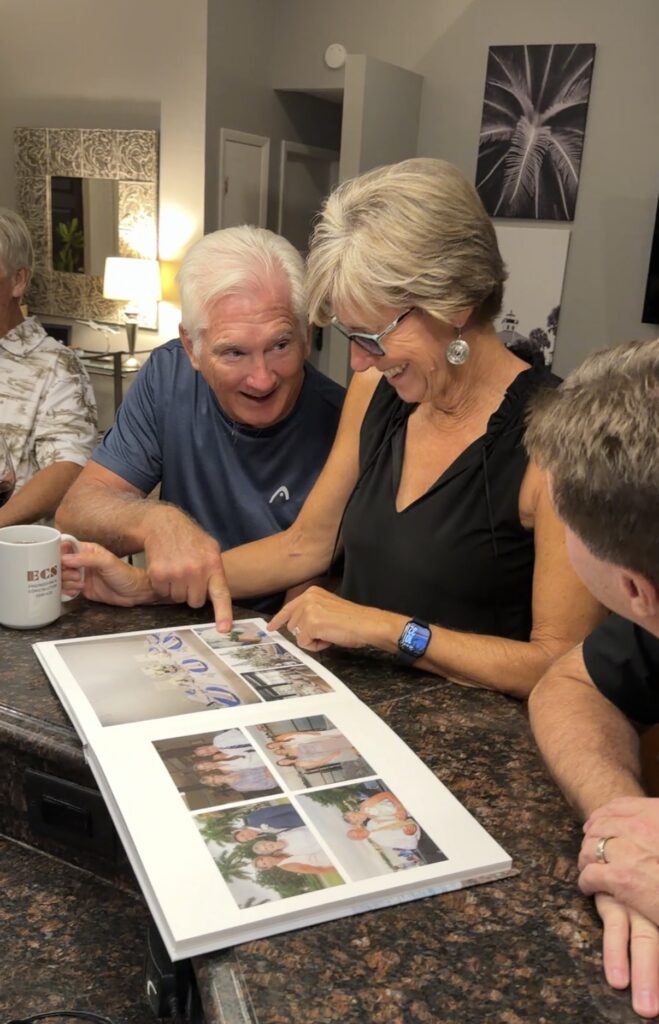
The real reward comes later when someone pulls it off the shelf, flips through the pages, laughs at a memory you’d forgotten, and spends an evening reliving a time that might have otherwise stayed buried in a camera roll.
That’s what our photos were meant for.
👉 Want to join the photo organizing CRUISE? YOU are invited to join this fun Picture Person getaway! Check out The Great Photo Voyage and be sure and sign up soon, space is limited!
👉 Grab my free Photo Resource Guide – it’s packed with tools, apps, and simple steps to get started.
👉 Check out my book, Beyond the Storm – a powerful blend of true stories and practical advice for safeguarding your photos.
Check out Instagram and YouTube to get my latest information.